
Managing a video surveillance system is not set it and forget it. In this blog we cover the importance of taking a proactive approach to system upkeep, what you need to do to set your system up for success upon...


Managing a video surveillance system is not set it and forget it. In this blog we cover the importance of taking a proactive approach to system upkeep, what you need to do to set your system up for success upon...
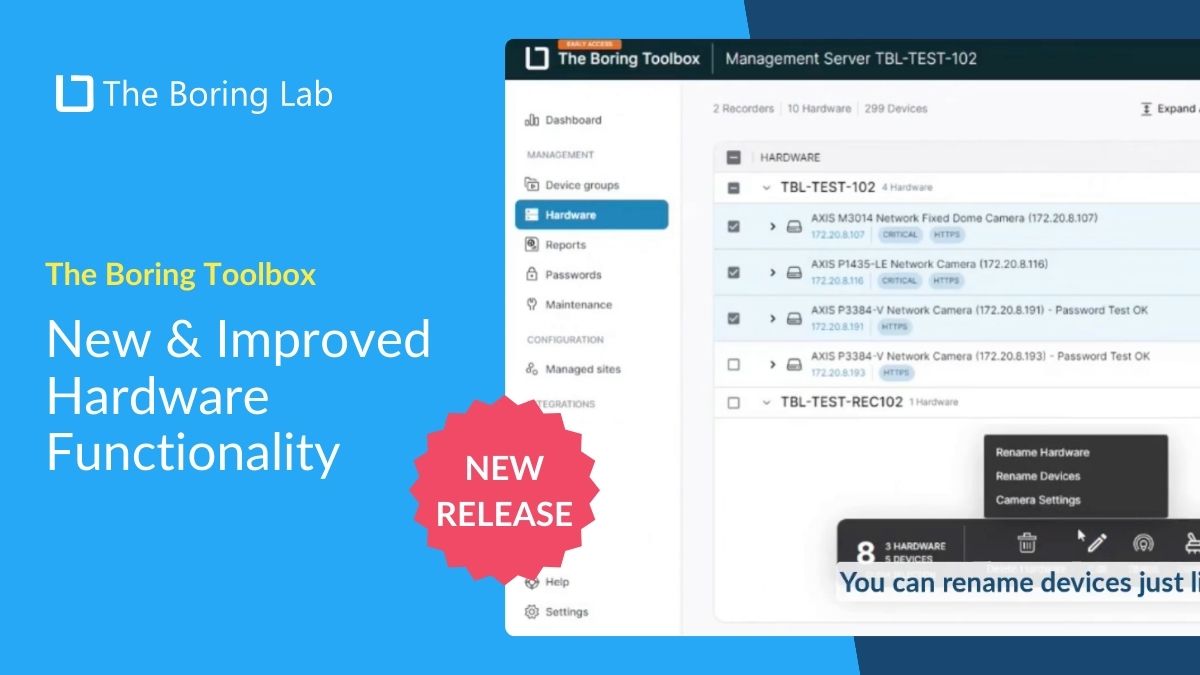
Introducing the all-new Hardware Tab in Boring Web App! We've redesigned it to streamline your bulk actions and make management more intuitive. See all of the updates in action in this video walk-through.

From inventory management to health monitoring, these 4 Boring Toolbox reports will help you to maintain compliance, identify maintenance and visibility issues, keep various stakeholders informed, gather comprehensive data on any cameras not recording.
These 8 initial setup tasks for Milestone XProtect will make your life easier in the long run and ensure your system runs smoothly from day one.
Getting Started with The Boring Toolbox #3: Learn about the various health monitoring insights and features you will find on your local dashboard.
Getting Started #2: Learn how to configure your parent and managed sites as well as connect Boring to Milestone XProtect using integrated authentication.
Getting Started #1: This tutorial will teach you how to install The Boring Toolbox on your server and client.
In this short video tutorial, you will learn how to add notes to your camera hardware using The Boring Toolbox
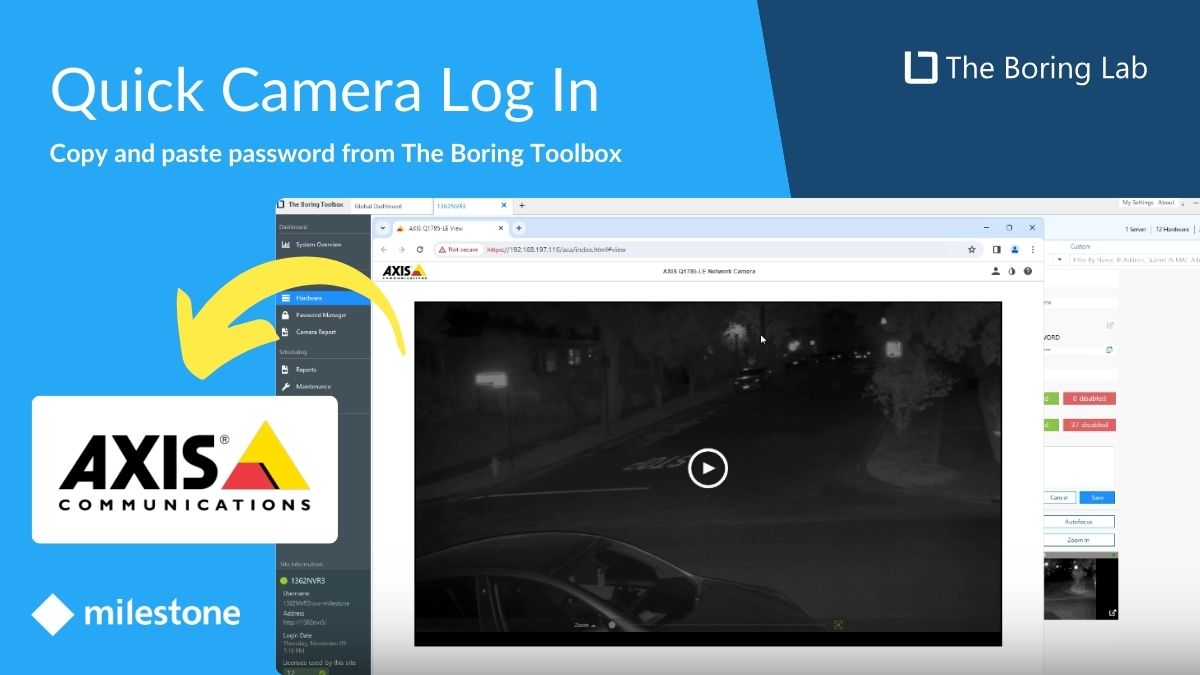
In this short video tutorial, you will learn how you can use The Boring Toolbox to quickly and securely log in to an Axis camera without knowing its password.
Quickly and easily set up adaptive streaming on Milestone XProtect using The Boring Toolbox's bulk operations and auto-grouping features. Adaptive streaming improves Smart Client performance by lowering stream resolution, saving bandwidth. It’s great for admins who watch videos in many...