Know the moment your video stops being useful.

AI Image Analysis for Milestone XProtect proactively monitors your camera streams and alerts you to issues like blur, glare, or tilt that affect the quality of your video.

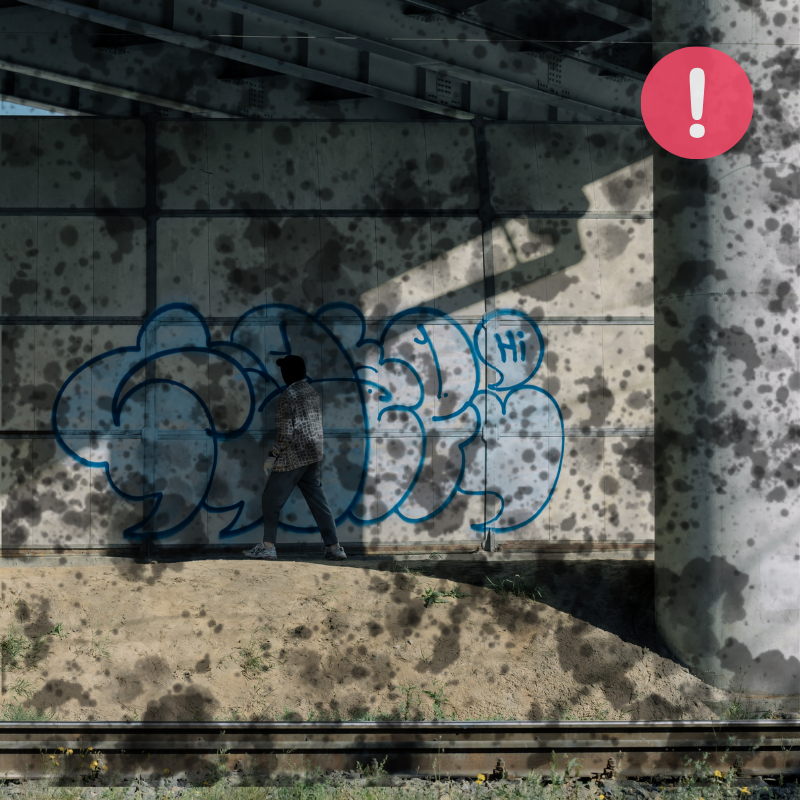
dirty camera lens staring at graffitier

The Problem

Your camera is online but is it capturing usable video?

Lenses get dirty. A tree grows into frame over a season. A desk camera gets bumped daily. A new light fixture washes out the entrance. These changes happen slowly enough that nobody notices, until an incident forces someone to pull footage and discover weeks of garbage.

By the time you need the video, it’s too late.

Your uptime is flawless but your footage is useless.

The solution

Detect camera view changes automatically, without setup headaches or false alarms.

Image health goes deeper than “online.” AI Image Analysis watches every camera stream for the quality issues that quietly break everything downstream: facial recognition, LPR, AI analytics, and your ability to actually use the footage when you need it.

Obstructions

Objects, vegetation, or equipment blocking part of the view.

Scene Change

Camera moved or shifted away from its baseline.

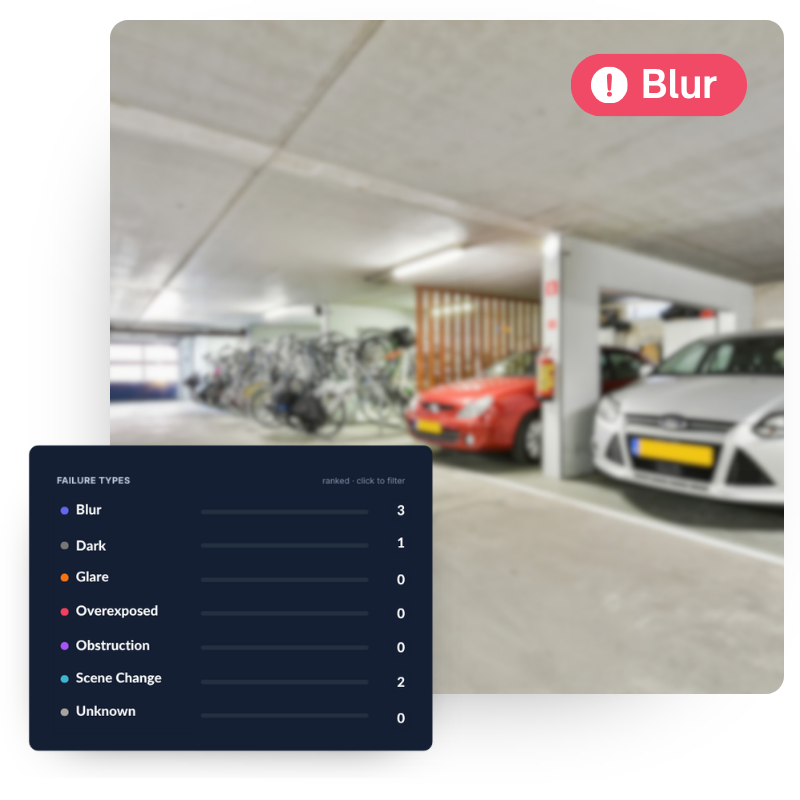
Blur and Grime

Out of focus, dirty lens, camera shake, focus drift.

Poor Lighting

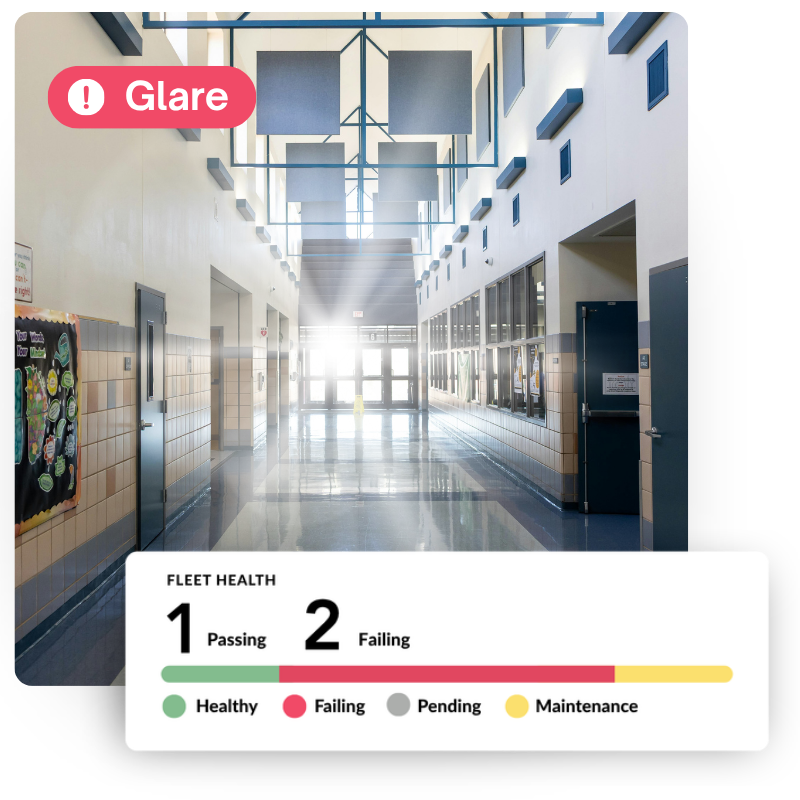
Too dark, glare, reflections, and washed out frames.

Don't let bad video break your expensive tools

LPR, facial recognition, and AI analytics depend on usable footage to do their jobs. A blurry lens or a glare-blown frame turns expensive tools into expensive paperweights. AI Image Analysis catches issues before it costs you.

school hallway with glare display of image health record showing 1 healthy and two unhealthy images found

Be audit-ready without the scramble

Compliance reporting has never been so easy. Prove that your cameras were online and video was always usable. 

Not all problems appear overnight, some happen slowly

Cameras don’t usually fail all at once. They drift. A lens gets dirty over months. A tree grows into frame across a season. AI Image Analysis catches the gradual stuff that isn’t caught by online/offline health monitoring.

Ensure High Quality Video

The success of your investigations depends on having clear, high quality video.

Reduce costly emergency service calls​

Emergency service calls are expensive and usually avoidable. Identify issues early and batch fixes into planned maintenance.

Eliminate manual camera checks​

Don't rely on memory and calendar reminders. Let Boring verify your image health day and night so you can get back to the real work.

The Boring Toolbox

The tool XProtect Admins use to keep their cameras up and video usable.

AI Image Analysis lives inside The Boring Toolbox, the only management and health platform built exclusively for Milestone XProtect.

That means it understands your site hierarchy, your recording servers, your critical-camera tags, and your existing alert channels. There’s no translation layer, no vendor-agnostic compromise, and nothing to reconcile at 9pm on a Sunday.

AI Image Analysis lives inside The Boring Toolbox, the only management and health platform built exclusively for Milestone XProtect.

That means it understands your site hierarchy, your recording servers, your critical and sensitive camera tags, and your existing alert channels. There’s no translation layer, no vendor-agnostic compromise, and nothing to reconcile at 9pm on a Sunday.

Up and running in minutes

Enable

Click “activate” inside your installed The Boring Toolbox and AI Image Analysis will turn on for every camera connected to your XProtect environment.

Configure

Set a daytime check time and a nighttime check time. That’s it. Standard cameras get a weekly day/night checks. Cameras you’ve flagged as critical get checked twice daily.

Done

The first run captures your reference images within 24 hours. If necessary, you can reset your reference images with the click of a button.